
Recommended Settings:
- Share your full screen
- Camera on - optional but appreciated
- Microphone on - so we can hear your feedback.
Once you’ve set up the recording platform and start recording, go to your phone and share your screen with your computer. You can do it like this:
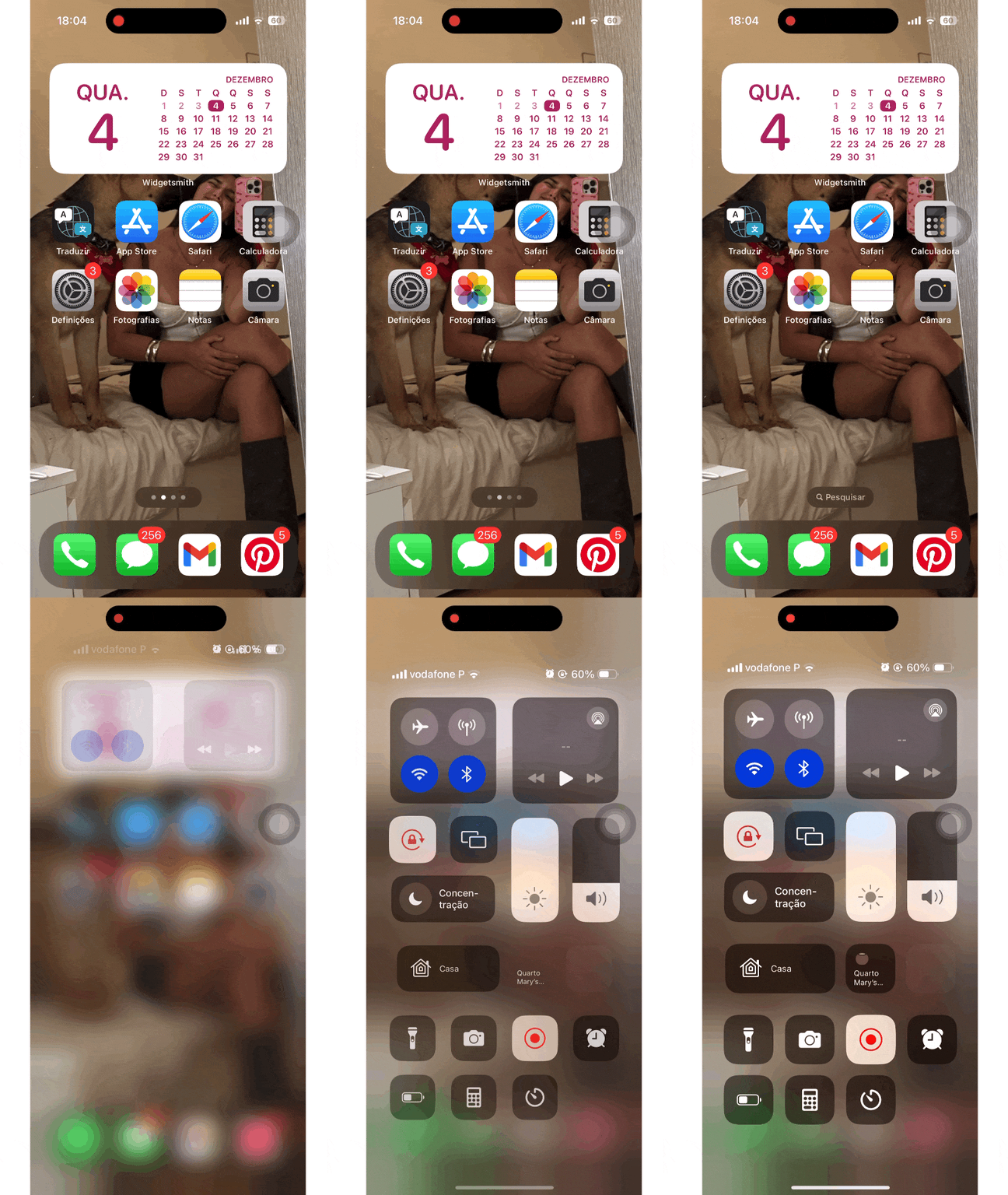
Then you can begin using Integrate - starting with signing in.
When you go through the onboarding, you’ll select topics you are interested in and some books you’ve read. After that, you should see snippets and a daily session ready to review - if this doesn’t happen for you, please let us know.
 Made with Bullet